“PLEASE READ — VAULT ACCESS CHANGES”
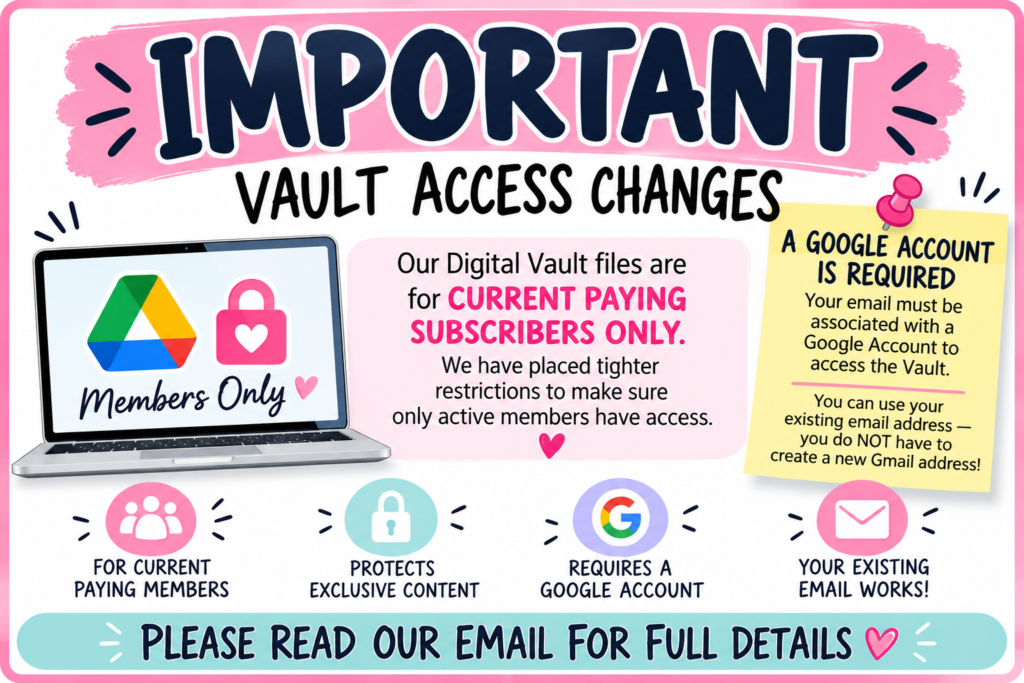
Hello everyone,
We need to share an important update regarding access to our Digital Vaults. Please take a few minutes to read this entire email, especially if you currently have access to one of our membership vaults.
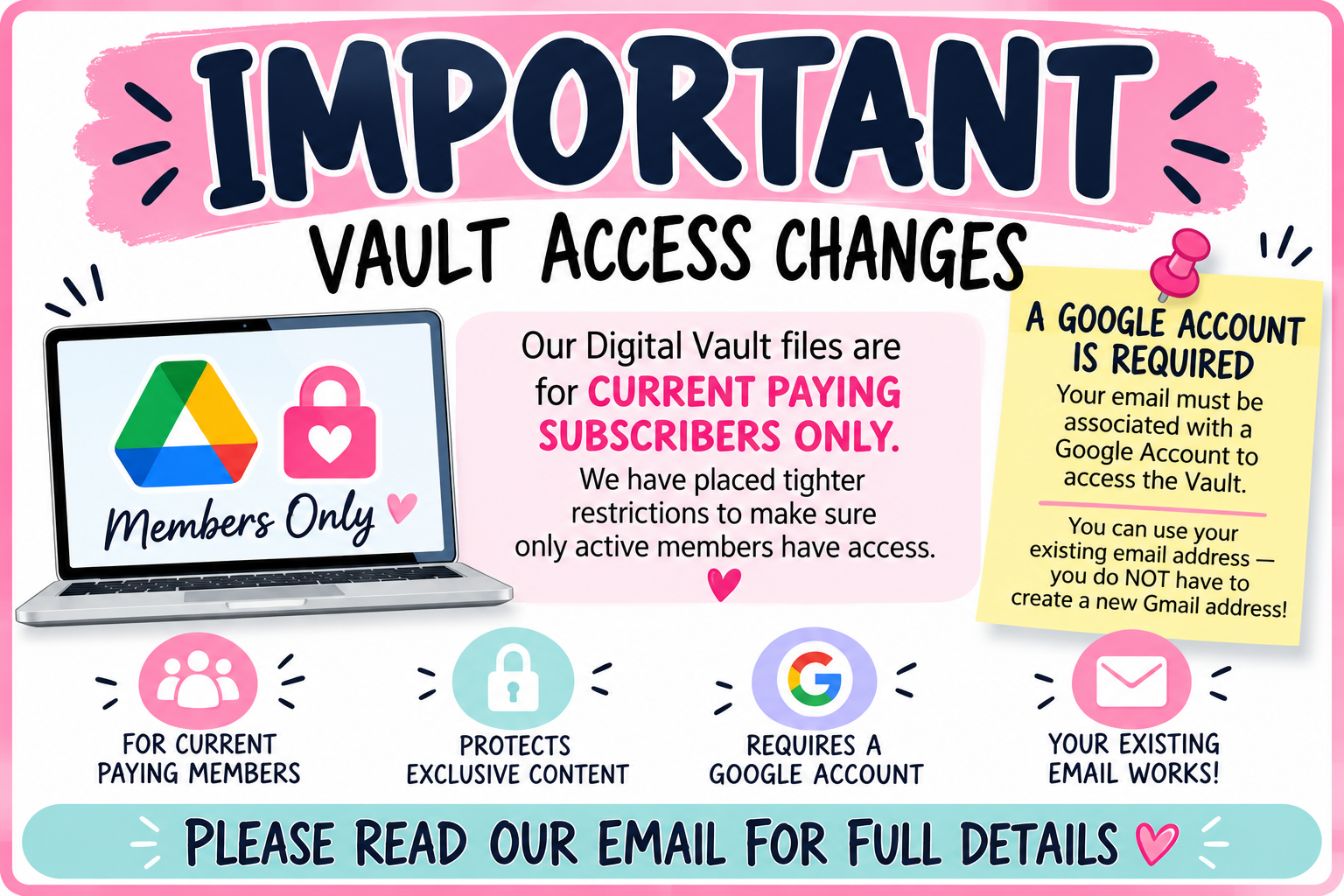
Unfortunately, we have discovered that some individuals who are no longer paying subscribers still have access to our Vault files. Because these files are an exclusive benefit for our current paying members, we have had to make changes and place tighter restrictions on Vault access.
We know this may cause a little inconvenience for some of you, and we truly appreciate your patience. These changes are necessary to protect the hundreds of digital files that we provide to our paying members.
IMPORTANT — Your Email Must Be Connected to a Google Account
Because our Vault files are stored and shared through Google Drive, the email address you give us for Vault access must be associated with a Google Account.
This does NOT mean that you have to change your email address or start using Gmail!
If you currently use an email such as:
• Yahoo
• Hotmail
• Outlook
• AOL
• Your internet provider’s email
• A business or personal email address
you can continue using that exact same email address.
You simply need to create a free Google Account using your existing email address. You do NOT have to create a new Gmail address.
How to Set Up Your Existing Email as a Google Account
Go to Google’s account creation page using the link below.
Choose Create account, then For my personal use.
When Google gives you the option, choose Use your existing email and enter the email address you already use.
Google will send a verification code to that email address. Enter the code and complete the setup.
Once this is done, your current email address will be associated with a Google Account and can be used for Google Drive access.
This is perfectly safe and easy. I use this same method.
Google’s instructions are here:
PLEASE REMEMBER
Creating a Google Account with your existing email does not change your email address.
You will still receive your email exactly where you receive it now. You are simply allowing that email address to be recognized by Google so we can securely grant you access to our Vault.
Going forward, Vault access will be limited to current paying subscribers only, and access will be periodically reviewed. If a membership is canceled or payment is no longer active, access to the membership Vault will be removed.
If you are a current paying subscriber and suddenly find that you cannot access your Vault, please don’t panic! It may simply mean that we need the correct Google-associated email address from you so we can restore your access.
Please make sure the email address you provide to us is the same email address associated with your Google Account.
We sincerely appreciate your understanding and cooperation. Our Vaults contain hundreds of digital files that we have worked very hard to create for our members, and we want to make sure those files remain an exclusive benefit for the wonderful customers who continue to support our memberships.
Any questions or concerns, please email the company at scrapbookingwithme55@gmail.com
Thank you so much for being part of the Scrapbooking With ME family!
E & Melina
Scrapbooking With ME Crafts